If you want to play classic games on your Mac, emulators are the easiest way to do it. Whether you’re into NES, Sega Genesis, PlayStation, or arcade games, there are great emulator options available for macOS. In this guide, you’ll discover the best emulators for macOS in 2026, what they’re good for, and how to get started.
What Is an Emulator?
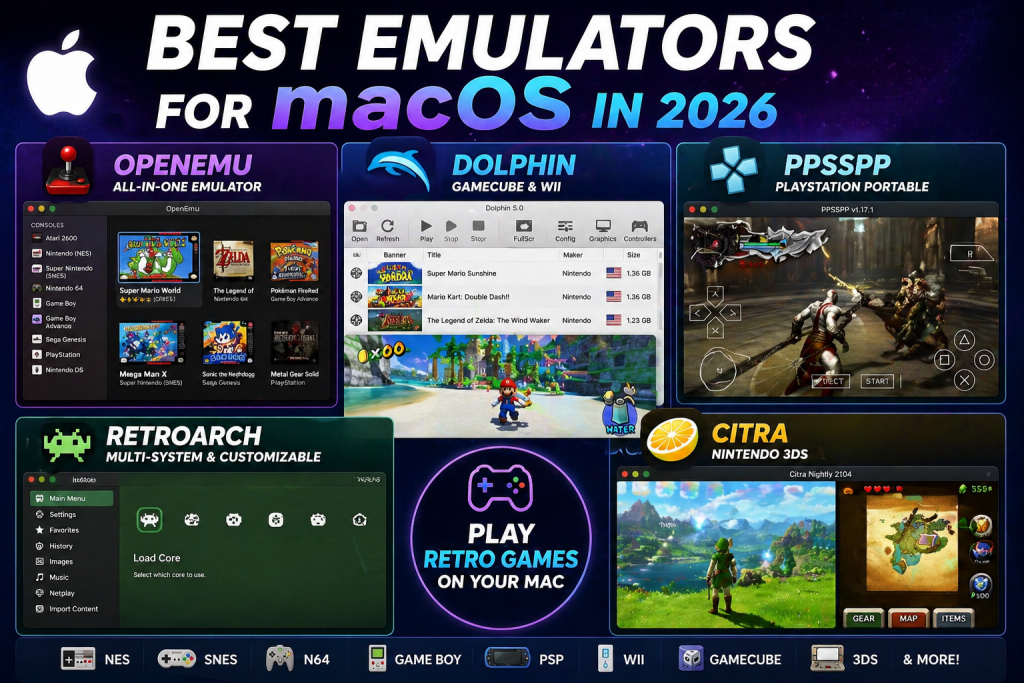
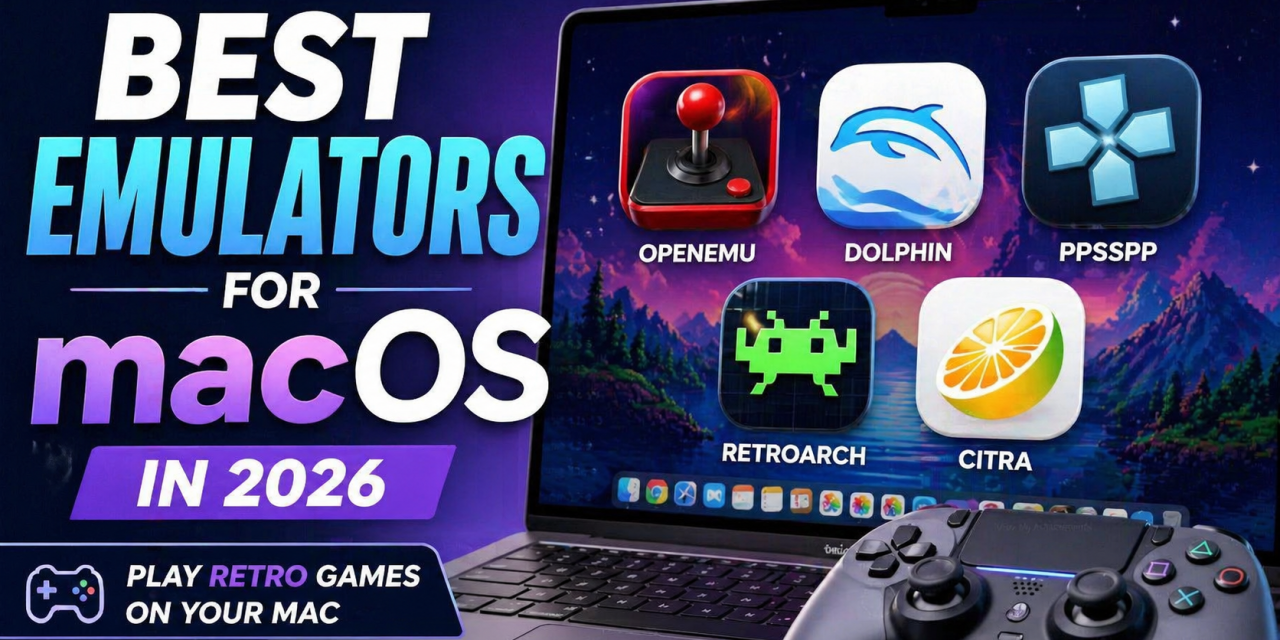
Top emulators for macOS including OpenEmu, Dolphin, PPSSPP, RetroArch, and Citra.
An emulator is software that lets your Mac act like another system, such as:
- NES / SNES
- Game Boy / Game Boy Advance
- PlayStation
- Nintendo 64
👉 This allows you to play classic games on modern hardware.
1. OpenEmu (Best Overall for macOS)
Best for: Beginners and all-in-one gaming
OpenEmu is the easiest emulator to use on macOS. It supports multiple systems in one clean interface.
Features
- Supports NES, SNES, N64, Game Boy, and more
- Beautiful, Mac-style interface
- Automatic library organization
👉 Perfect if you want everything in one place.
🥈 2. Dolphin (Best for GameCube & Wii)
Best for: Nintendo GameCube and Wii games
Dolphin is one of the most advanced emulators available.
Features
- High performance
- HD upscaling
- Controller support
Great if you want to revisit GameCube classics.
3. PPSSPP (Best for PSP)
Best for: PlayStation Portable games
PPSSPP runs PSP games smoothly—even on modest hardware.
Features
- Save states
- High compatibility
- Adjustable graphics settings
4. RetroArch (Advanced Users)
Best for: Power users and customization
RetroArch is extremely powerful but has a steeper learning curve.
Features
- Supports many systems via “cores”
- Highly customizable
- Advanced features like shaders
👉 Best if you like tweaking settings
5. Citra (Nintendo 3DS)
Best for: 3DS games
Citra allows you to play Nintendo 3DS titles on macOS.
Features
- Good compatibility
- Enhanced resolution
- Active development
Legal Note
Emulators themselves are legal, but downloading games (ROMs) you don’t own may not be.
Always use legally obtained game files.
Tips for Getting Started
- Start with OpenEmu if you’re new
- Use a controller for the best experience
- Keep your games organized
Final Thoughts
Emulation on macOS has never been better.
Start with:
- OpenEmu for simplicity
- Dolphin for GameCube/Wii
- PPSSPP for handheld gaming
You’ll be playing classic games in minutes. What is your favorite emulator for macOS and what is your go-to console to play?