A great mouse can make a big difference if you spend hours coding, working, or navigating multiple screens every day. While keyboards get most of the attention, the right mouse can improve comfort, productivity, and workflow efficiency.
In this guide, we’ll look at the best mouse options for programming in 2026 whether you want ergonomics, portability, or premium features.
What Makes a Good Mouse for Programming?
Programmers often spend long hours at their desks, so comfort matters. A good programming mouse should offer:
- Comfortable ergonomics
- Reliable performance
- Programmable buttons
- Strong battery life
- Multi-device support
- Smooth scrolling
The best choice depends on how you work.
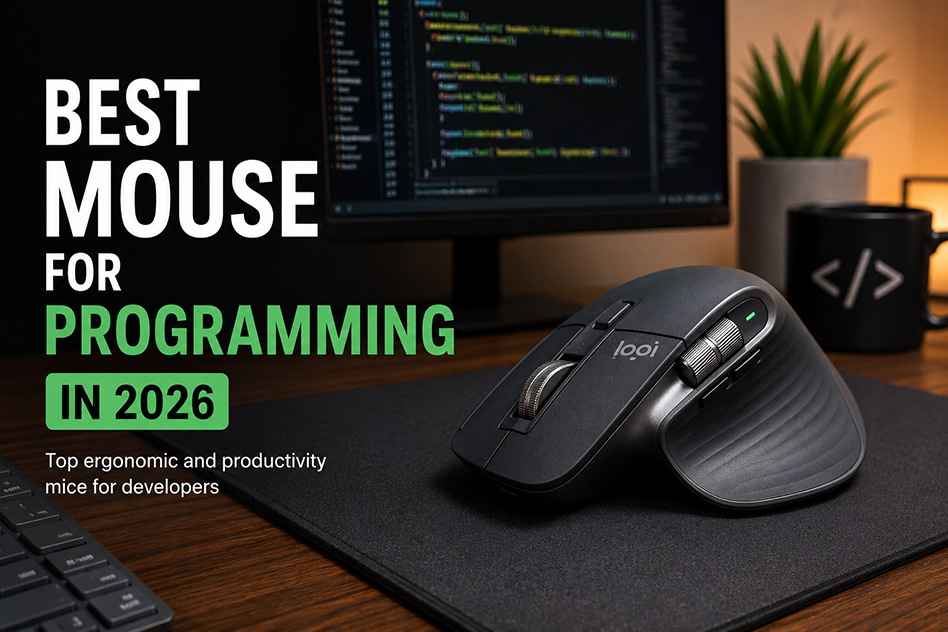
Logitech MX Master 3S
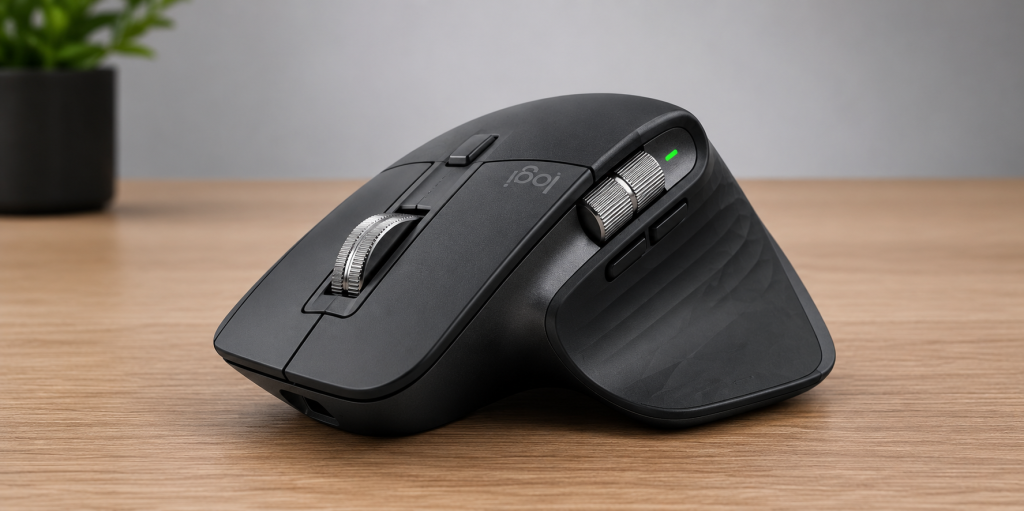
The Logitech MX Master 3S is one of the best productivity mice for programmers thanks to its comfort, customizable buttons, and multi-device support.
The Logitech MX Master 3S remains one of the best productivity mice available.
Why people love it:
- Excellent ergonomics
- Silent clicks
- USB-C charging
- Multi-device support
- Customizable buttons
This is a great option for developers who multitask often.
Logitech MX Anywhere 3S
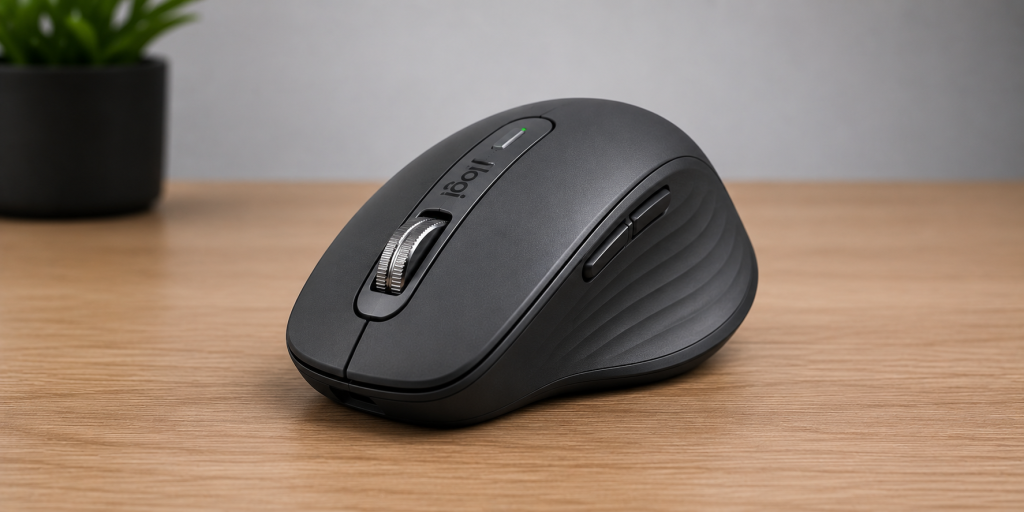
The Logitech MX Anywhere 3S is a great choice for programmers who need a compact mouse for travel and remote work.
If you want something portable, the MX Anywhere 3S is an excellent option.
Why people love it:
- Compact design
- Works on almost any surface
- Portable
- Strong battery life
Perfect for programmers who travel frequently.
Razer Pro Click
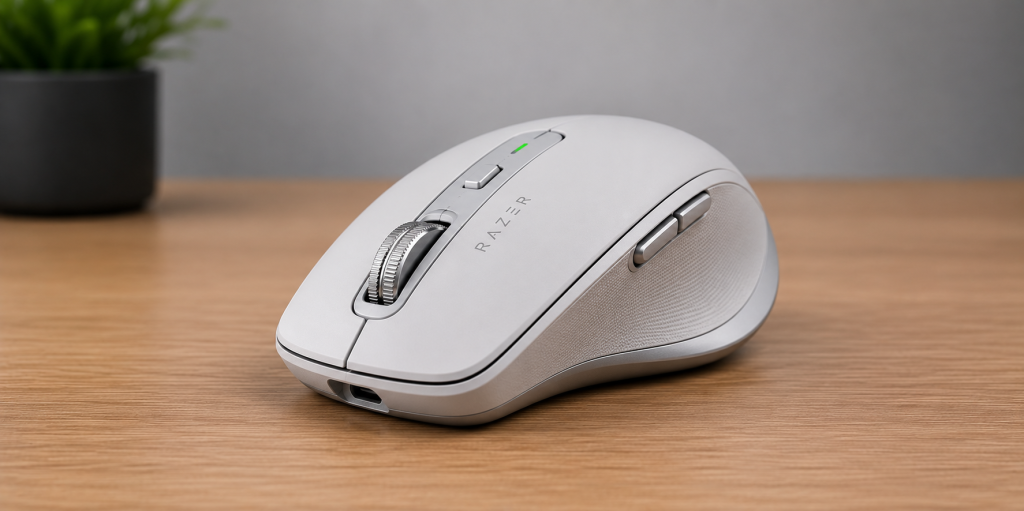
The Razer Pro Click offers a comfortable design and strong performance for programmers who want both productivity and gaming versatility.
The Razer Pro Click blends productivity and comfort.
Why people love it:
- Ergonomic design
- Excellent battery life
- Wireless support
- Great performance
This works well for developers who also game occasionally.
Apple Magic Mouse
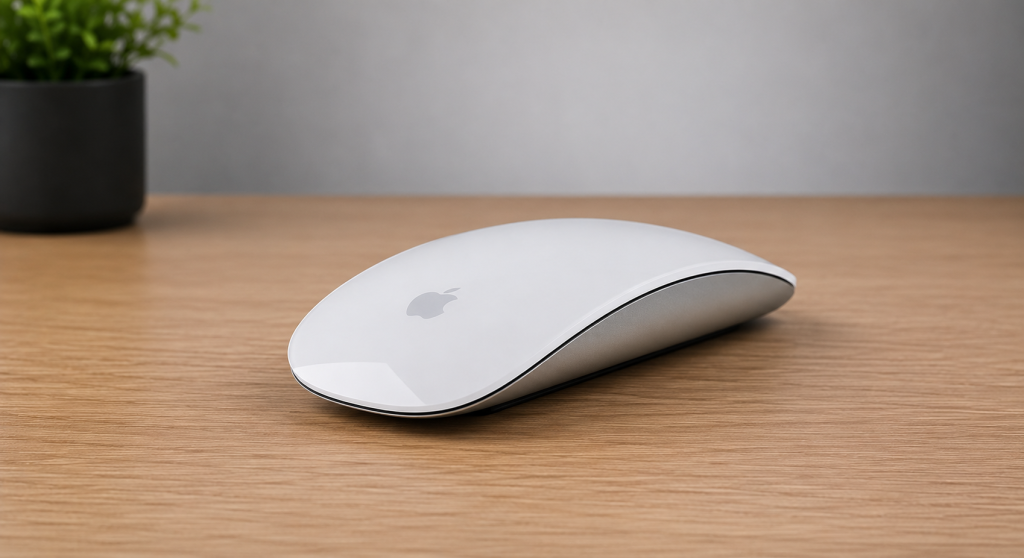
The Apple Magic Mouse offers seamless macOS integration and gesture controls for developers who prefer Apple’s minimalist design.
Mac users may prefer the Apple Magic Mouse because of its gestures and minimal design.
Why people love it:
- Clean design
- Gesture controls
- Works seamlessly with macOS
Some users love it while others dislike the ergonomics.
Microsoft Ergonomic Mouse
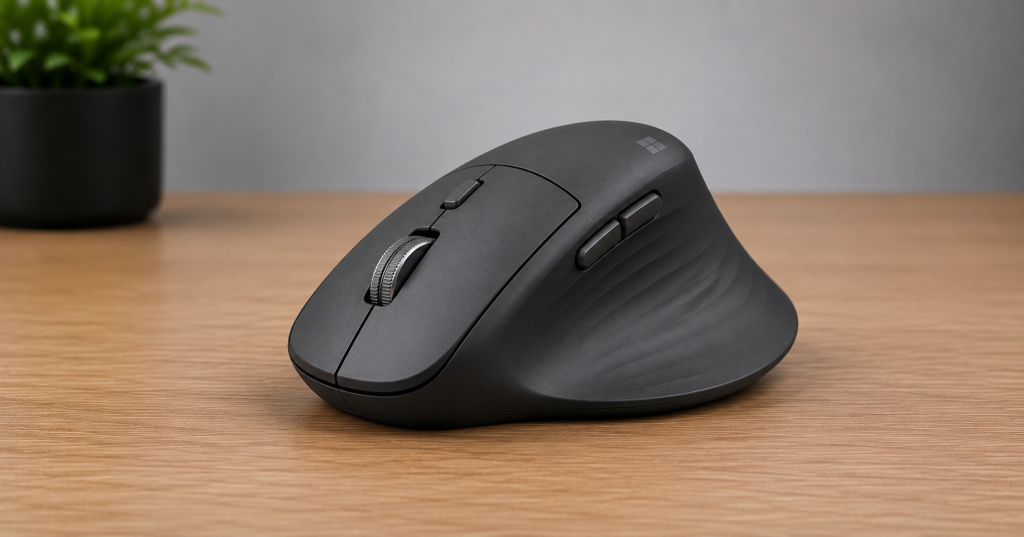
The Microsoft Ergonomic Mouse is a strong choice for developers who prioritize comfort during long coding sessions.
This is a strong choice if comfort is your top priority.
Why people love it:
- Comfortable grip
- Reduces wrist strain
- Simple design
Great for long coding sessions.
Wired vs Wireless Mice
Both options can work well.
Wired mice offer:
- No charging
- Lower latency
Wireless mice offer:
- Cleaner desk setup
- Better portability
Most programmers prefer wireless mice today.
Final Thoughts
The best mouse for programming depends on your setup and workflow. If you want the best overall productivity mouse, the Logitech MX Master 3S is hard to beat. Now that you have the perfect mouse, check out our article on the best keyboards for programming in 2026 to complete your setup.