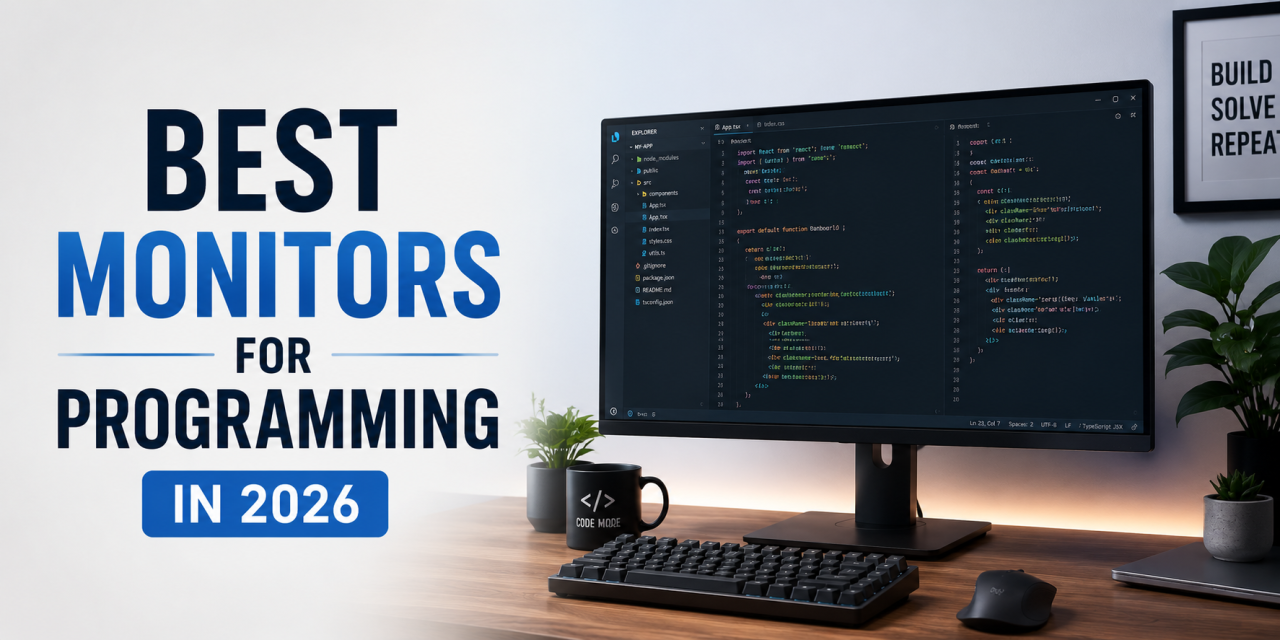
A good monitor can make programming much more comfortable. Developers often spend long hours staring at code, documentation, terminals, and multiple browser tabs. The right monitor can improve productivity, reduce eye strain, and make multitasking easier.
In this guide, we’ll look at some of the best monitors for programming in 2026 based on screen size, resolution, productivity features, and value.
What Makes a Good Programming Monitor?
Before buying a monitor, consider these factors.
Screen Size
Many programmers prefer:
- 24-inch monitors for smaller desks
- 27-inch monitors for the best balance
- 32-inch monitors for maximum screen space
- Ultrawide monitors for multitasking
Resolution
- 1080p works for budget setups.
- 1440p is often the sweet spot.
- 4K offers excellent sharpness but may cost more.
Adjustable Stand
Height adjustment helps improve ergonomics.
Eye Comfort Features
Look for:
- Blue light filters
- Flicker-free technology
- Matte displays
USB-C Connectivity
Great for MacBooks and modern laptops. A single cable can handle display output and charging.
Best Overall Monitor for Programming
Dell UltraSharp U2724D
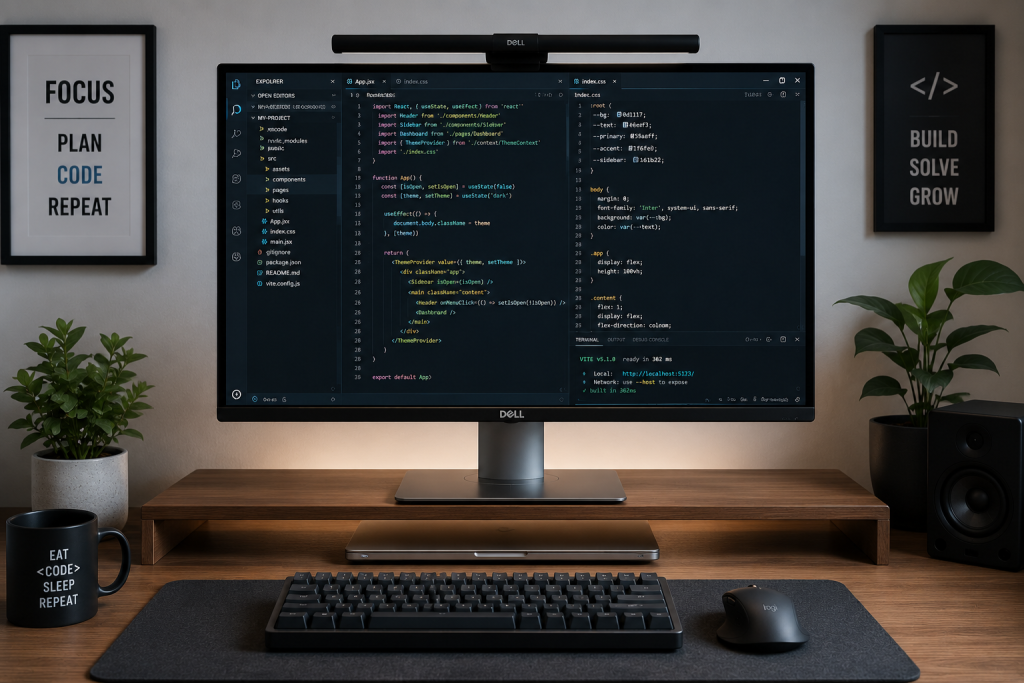
The Dell UltraSharp line is a popular choice for programmers who want a reliable 27-inch productivity monitor.
A strong all-around programming monitor.
Why it stands out:
- 27-inch display
- 1440p resolution
- Excellent color accuracy
- Adjustable stand
- Thin bezels
- Reliable brand reputation
Great for most developers.
Best Budget Monitor
ASUS ProArt Display PA248QV
A great affordable option.
Why it works:
- 24-inch display
- Good ergonomics
- Affordable pricing
- Solid image quality
- Excellent value.
Best 4K Monitor
LG UltraFine 32UN650-W
Ideal for developers who want extra sharpness.
Why it stands out:
- 32-inch display
- 4K resolution
- Great screen space
- Works well for coding and media tasks
Best Ultrawide Monitor
LG 34WN80C-B
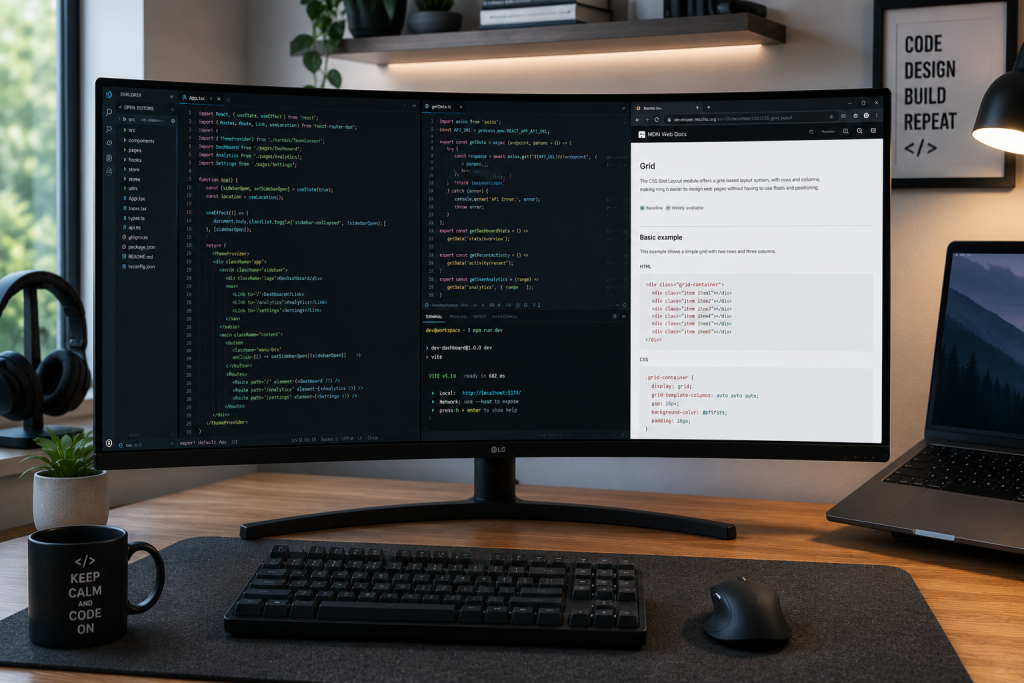
Ultrawide monitors give developers more room for code, documentation, and multitasking on a single screen.
Great for multitasking.
You can place:
- Code editor
- Terminal
- Browser
- Documentation
all on one screen.
Best Premium Monitor
Apple Studio Display
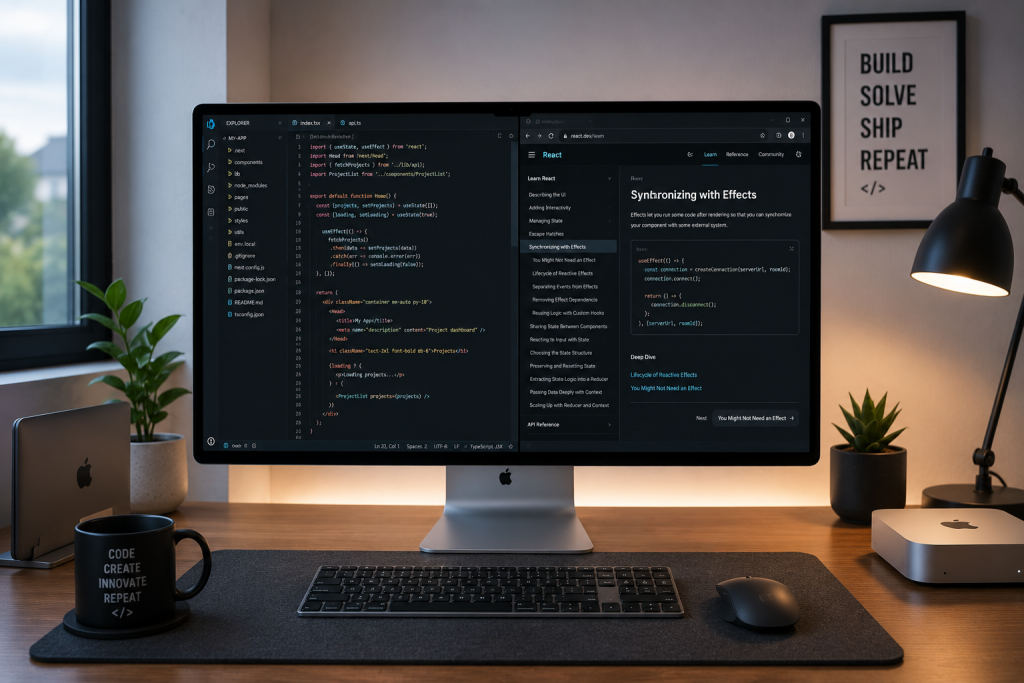
Apple Studio Display offers a premium option for Mac developers who want sharp visuals and seamless macOS integration.
A premium option for Mac developers.
It offers:
- excellent build quality
- sharp display
- strong macOS integration
It is expensive, but some developers love it.
Should You Use Dual Monitors?
Some programmers prefer dual monitor setups. Others prefer one ultrawide display. It depends on your workflow and desk space. Personally I love a solid dual monitor setup.
Final Thoughts
The best programming monitor depends on your budget and workflow. Most developers will be happy with a quality 27-inch 1440p monitor.
If you’re building your ideal workstation, check out our guides on best keyboards for programming and best mouse for programming.