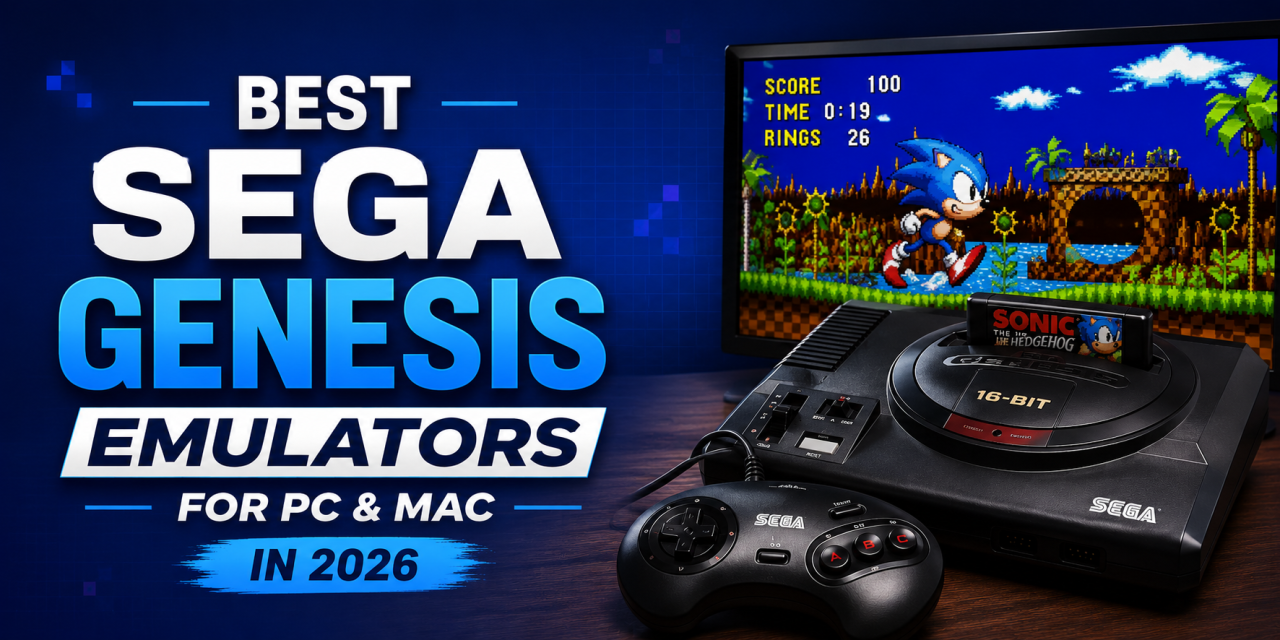
The Sega Genesis remains one of the most iconic retro gaming consoles ever released. Games like Sonic the Hedgehog, Streets of Rage, Golden Axe, Shinobi, and Phantasy Star continue to attract retro gamers today. If you want to replay these classics on modern hardware, you’ll need a reliable emulator.
In this guide, we’ll look at the best Sega Genesis emulators for PC and Mac in 2026.
Why People Still Play Sega Genesis Games
Retro gaming continues to grow in popularity.
Many players revisit Sega Genesis games because:
- The games are easy to jump into
- Many titles still hold up well today
- Physical cartridges can be expensive
- Modern PCs and Macs can easily run emulators
- Emulation also makes it easier to use save states and controllers.
OpenEmu
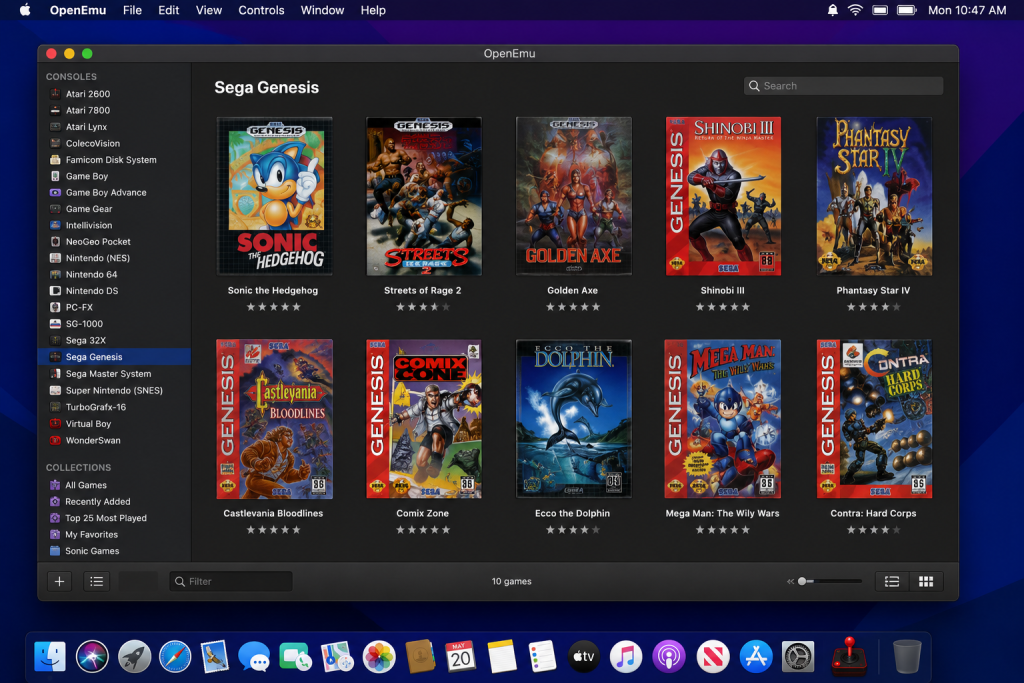
OpenEmu makes it easy for Mac users to organize and launch Sega Genesis games from a clean library interface.
OpenEmu remains one of the best choices for Mac users.
It offers:
- Simple setup
- Clean interface
- Controller support
- Multi-console support
- Easy ROM management
If you want an easy Mac experience, OpenEmu is a great choice.
If you need help setting it up, check out our guide on how to set up OpenEmu on macOS.
Kega Fusion
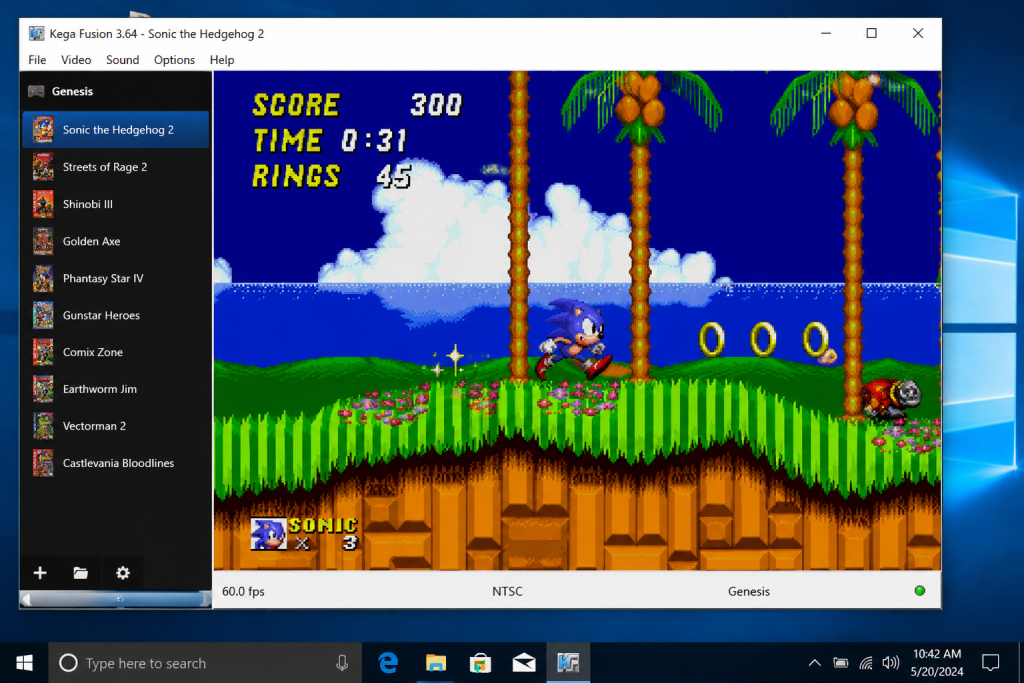
Kega Fusion remains a popular choice for Windows users who want simple and reliable Sega Genesis emulation.
Kega Fusion has been a long-time favorite among Sega fans.
It supports:
- Sega Genesis
- Sega CD
- 32X
- Game Gear
- Master System
Why people like it:
- Strong compatibility
- Simple interface
- Reliable performance
RetroArch
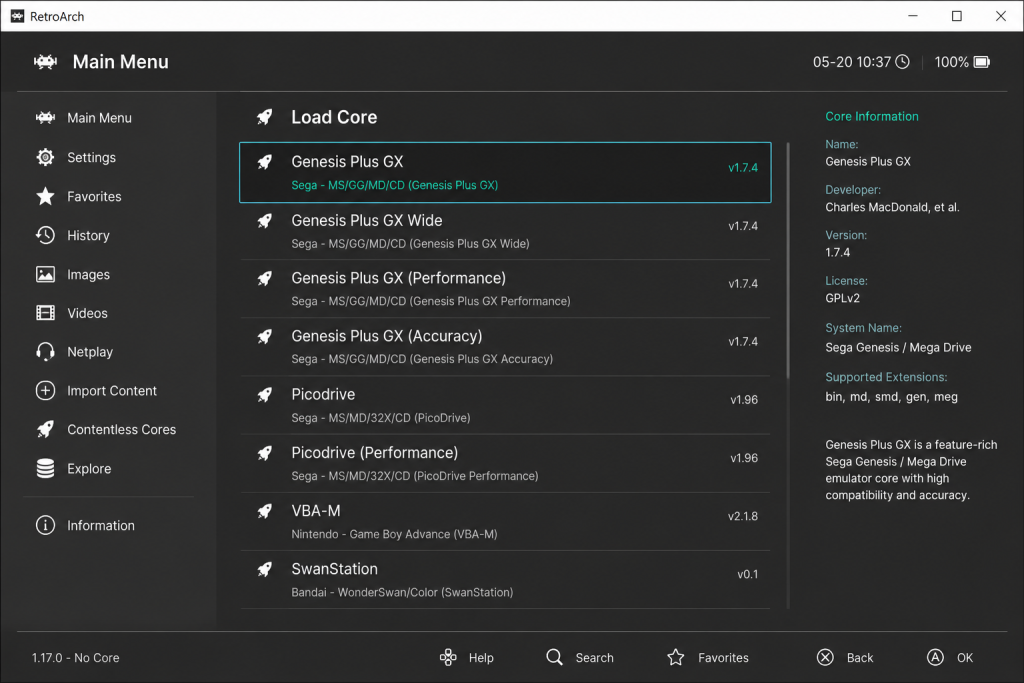
RetroArch offers multiple Genesis cores for users who want advanced customization and multi-console support.
RetroArch supports Sega Genesis through multiple emulator cores.
Why people like it:
- Cross-platform support
- Advanced settings
- Controller customization
- Multi-console support
- RetroArch has a learning curve but offers lots of flexibility.
BlastEm
BlastEm focuses on performance and accuracy.
Why people like it:
- Fast performance
- Strong compatibility
- Accurate emulation
- Lightweight software
Gens
Gens was once very popular for Sega emulation. It still works, but it feels outdated compared to newer alternatives. Most users are better off using newer software.
Controller Support for Sega Emulators
Most modern emulators support:
- Xbox controllers
- PlayStation controllers
- Nintendo Switch Pro controllers
- USB retro controllers
This makes retro gaming much easier on modern systems.
Common Emulator Problems
Controller Not Working
Reconnect your controller and remap buttons.
ROM Not Loading
Make sure your file format is supported.
Audio Issues
Update your emulator and verify your audio settings.
How to Choose the Right Sega Genesis Emulator
The best emulator depends on how you plan to play. If you want something simple on Mac, OpenEmu is usually the easiest option. If you want broad Sega support for systems like Sega CD and 32X, Kega Fusion is a strong choice. If you enjoy customization and multi-console support, RetroArch may be the better fit. If you care most about accuracy and performance, BlastEm is worth considering.
Beginners should usually start with the easiest option before moving to more advanced emulators.
Are Sega Genesis Emulators Legal?
Emulators themselves are legal. However, downloading ROMs for games you do not own may violate copyright laws.
Always use legally obtained game files.
Final Thoughts
Kega Fusion is one of the best all-around Sega Genesis emulators. OpenEmu remains an excellent choice for Mac users. RetroArch and BlastEm are great if you want more advanced customization.
If you’re gaming on Mac, check out our guide on how to set up OpenEmu on macOS.