The Nintendo 64 introduced some of the most memorable games in gaming history. Classics like Super Mario 64, The Legend of Zelda: Ocarina of Time, Mario Kart 64, GoldenEye 007, and Star Fox 64 remain popular among retro gaming fans decades after their original release.
While original N64 hardware is still available, emulation provides a convenient way to enjoy these games on modern computers with improved graphics, save states, and controller support.
In this guide, we’ll look at the best Nintendo 64 emulators for PC and Mac in 2026.
Why People Still Play Nintendo 64 Games
Retro gaming continues to grow in popularity, and the Nintendo 64 remains one of the most beloved consoles ever released.
Many players return to N64 games because:
- The game library remains highly influential
- Original hardware can be expensive or difficult to maintain
- Modern computers can emulate N64 games easily
- Emulators offer save states and graphical enhancements
- Many classic games remain fun today
If you’re interested in retro gaming, you may also want to explore our guides on best SNES emulators for PC and Mac and best Sega Genesis emulators for PC and Mac.
Project64
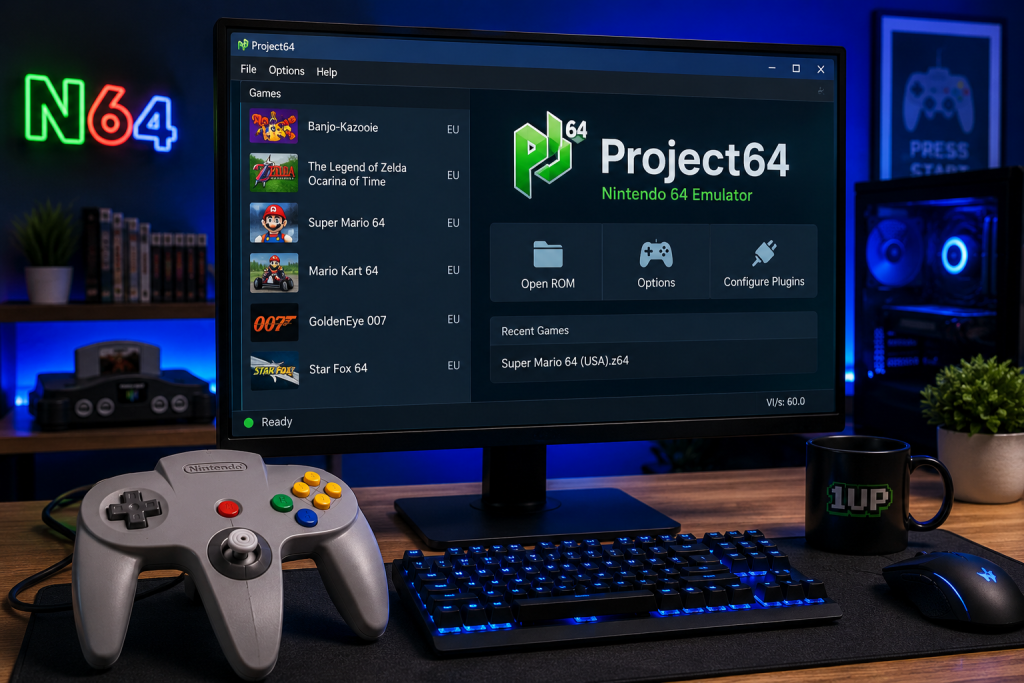
Project64 remains one of the most popular Nintendo 64 emulators thanks to its excellent compatibility, controller support, and beginner-friendly interface.
Project64 remains one of the most popular Nintendo 64 emulators available.
For many users, it serves as the easiest entry point into N64 emulation.
Why people like it:
- Beginner-friendly interface
- Excellent compatibility
- Save state support
- Controller support
- Active development
Project64 works particularly well for users who want to get started quickly without spending time configuring advanced settings.
Mupen64Plus
Mupen64Plus is known for its flexibility and strong compatibility.
Unlike Project64, it is often used as the foundation for several front-end emulation projects.
Why people like it:
- Excellent performance
- Strong compatibility
- Open-source development
- Multiple front-end options
- Cross-platform support
Advanced users often prefer Mupen64Plus because of its flexibility and customization options.
RetroArch
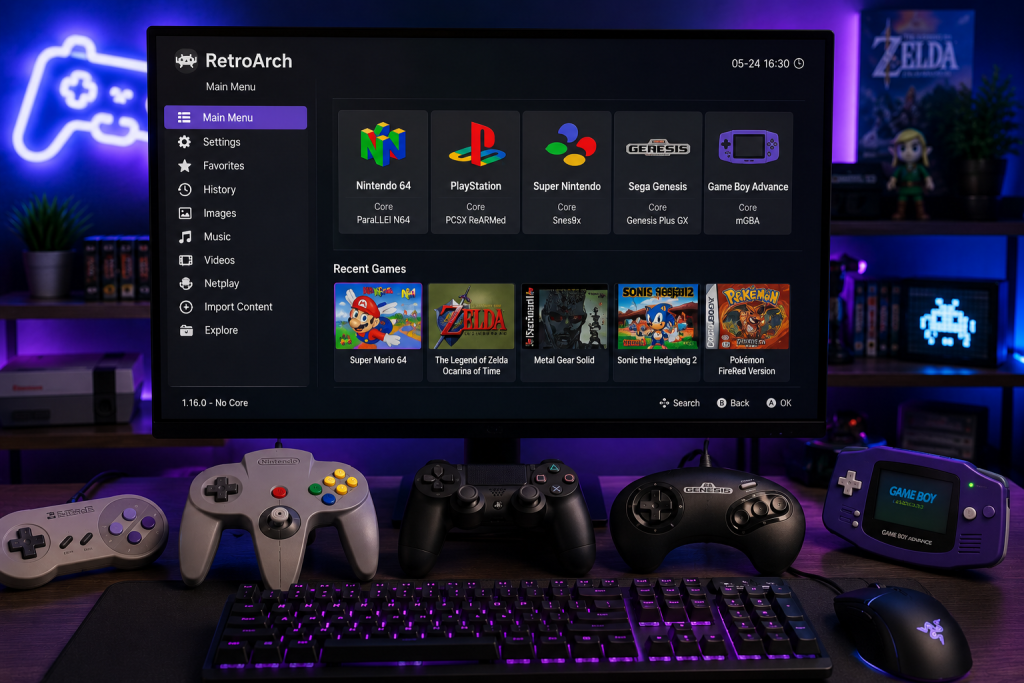
RetroArch provides a unified interface for emulating multiple classic gaming systems, including the Nintendo 64, from a single application.
RetroArch supports Nintendo 64 emulation through several different emulator cores.
Why people like it:
- Multi-console support
- Unified interface
- Controller remapping
- Achievement support
- Advanced customization
While RetroArch has a steeper learning curve, it can become a powerful all-in-one retro gaming platform once configured.
Simple64
Simple64 focuses on providing a streamlined Nintendo 64 emulation experience.
Rather than overwhelming users with configuration options, it aims to provide strong compatibility with minimal setup.
Why people like it:
- Easy setup
- Modern interface
- Strong compatibility
- Simplified configuration
For users who want a straightforward experience, Simple64 is worth considering.
Controller Support for N64 Emulators
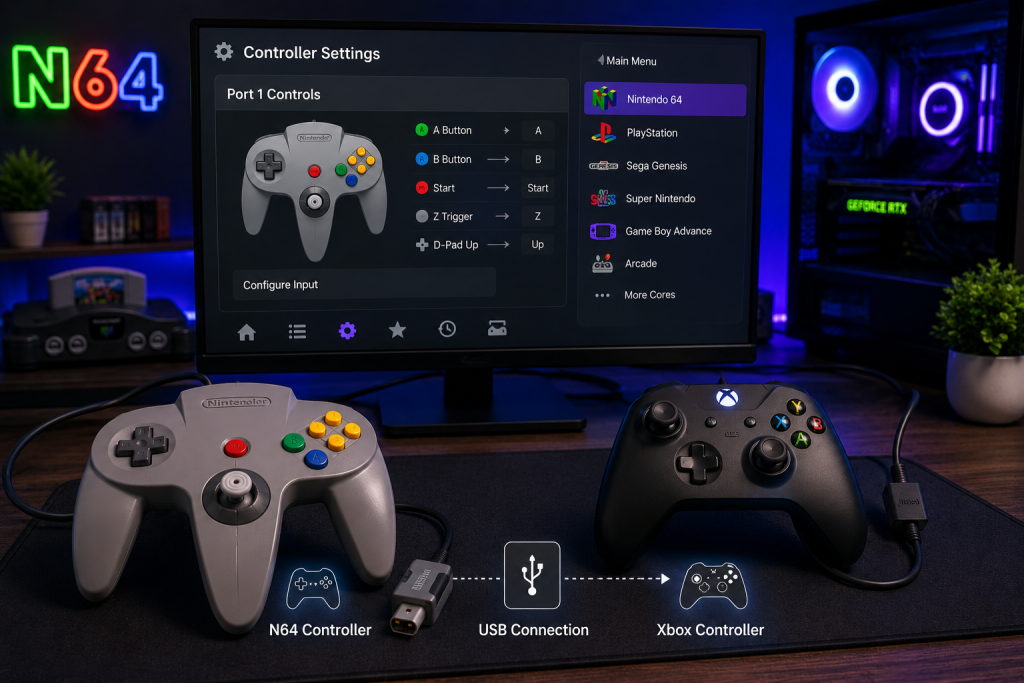
Most Nintendo 64 emulators support a wide range of modern and retro-style controllers, making it easy to recreate the classic N64 gaming experience.
Most modern Nintendo 64 emulators support a wide range of controllers.
Popular options include:
- Xbox controllers
- PlayStation controllers
- Nintendo Switch Pro controllers
- USB retro controllers
Many users choose controllers that closely match the original Nintendo 64 layout, but modern controllers generally work very well.
Common Nintendo 64 Emulator Problems
Controller Configuration Issues
Because the Nintendo 64 controller layout is unique, button mapping can sometimes require adjustment.
Most emulators include controller configuration tools that allow you to customize inputs.
Graphics Glitches
Some games may experience graphical issues depending on the emulator and graphics plugin being used.
Trying a different graphics backend or updating your emulator often resolves these problems.
Performance Problems
Although most modern computers can run N64 emulators easily, outdated graphics drivers or incorrect settings can occasionally cause slowdowns.
How to Choose the Right N64 Emulator
The best emulator depends on your goals. If you are new to emulation, Project64 is usually the easiest place to start. Users who want extensive customization may prefer Mupen64Plus or RetroArch. Those who value simplicity may appreciate Simple64’s streamlined approach.
For most users, Project64 remains the safest recommendation because of its ease of use and strong compatibility.
Are Nintendo 64 Emulators Legal?
Emulators themselves are generally legal. However, downloading ROM files for games you do not own may violate copyright laws. Always use legally obtained game files and follow the laws applicable in your region.
Final Thoughts
Nintendo 64 emulation has improved dramatically over the years.
Modern emulators make it easier than ever to revisit classic games like Super Mario 64, Mario Kart 64, and The Legend of Zelda: Ocarina of Time on today’s hardware.
For most players, Project64 remains one of the best all-around choices, while RetroArch, Mupen64Plus, and Simple64 offer excellent alternatives depending on your preferences and experience level.