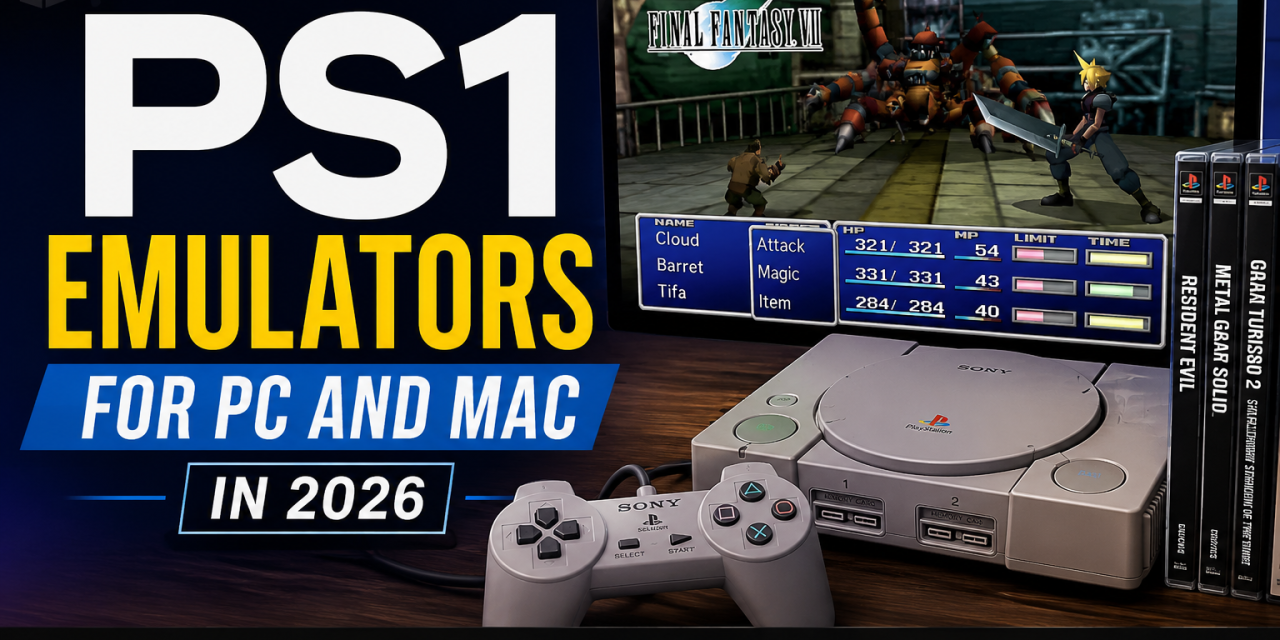
The original PlayStation introduced some of the most influential games in gaming history. Classics like Final Fantasy VII, Metal Gear Solid, Resident Evil, Gran Turismo, and Castlevania: Symphony of the Night still attract retro gamers today.
If you want to replay these games on modern hardware, a good emulator can make the experience much easier. In this guide, we’ll look at the best PS1 emulators for PC and Mac in 2026.
Why People Still Play PS1 Games
Retro gaming continues to grow in popularity. Many players return to PS1 games because:
- Classic PlayStation games still hold up well
- Original hardware can be expensive
- Modern PCs and Macs can run emulators easily
- Emulators add features like save states and controller support
- Some games are difficult to find physically today
If you enjoy retro gaming, you may also want to explore our guide on best SNES emulators for PC and Mac.
DuckStation
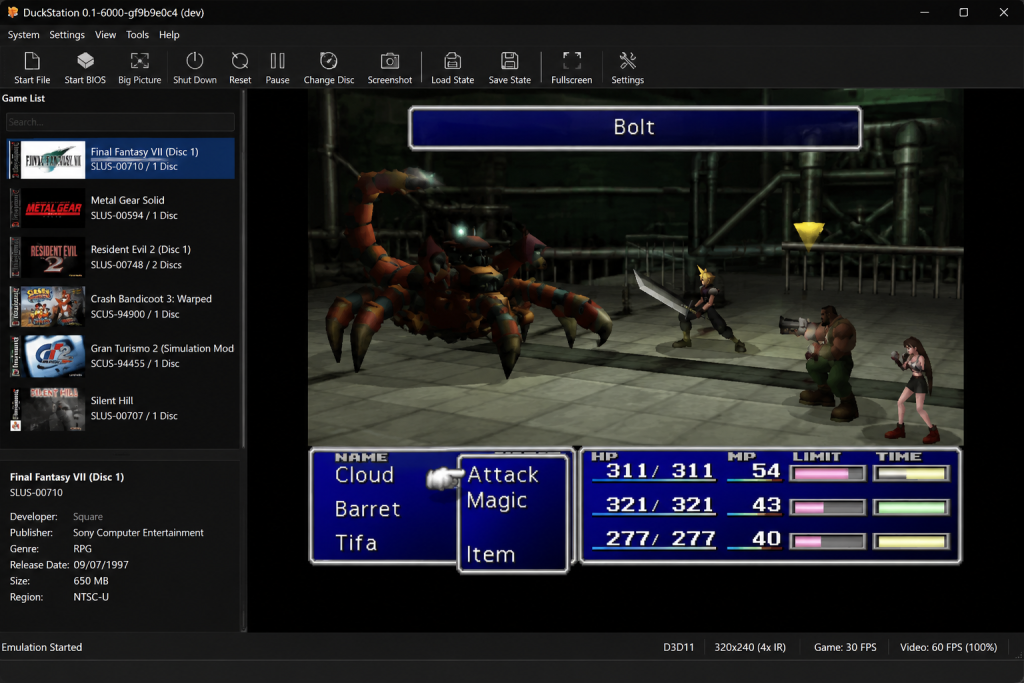
DuckStation offers a modern interface, strong compatibility, and enhanced graphics options for classic PlayStation games.
DuckStation has quickly become one of the most popular PS1 emulators.
Why people like it:
- Excellent compatibility
- Modern interface
- Enhanced graphics options
- Save states
- Controller support
- Strong performance
DuckStation is a great choice for most players.
RetroArch
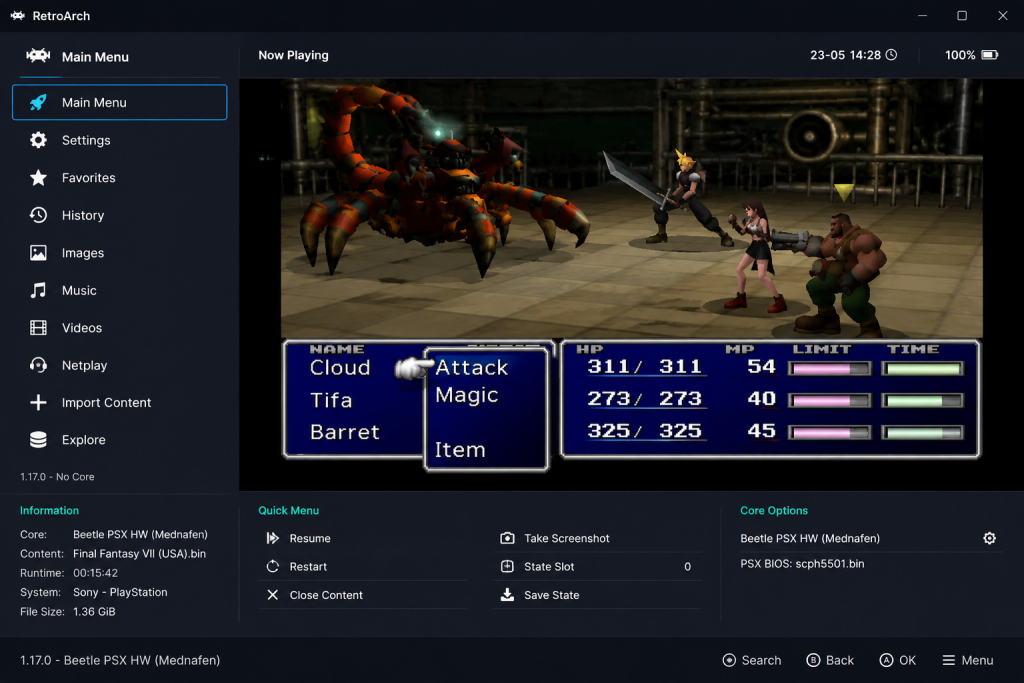
RetroArch supports PS1 emulation through multiple cores and offers advanced customization for retro gaming enthusiasts.
RetroArch supports PS1 emulation through multiple emulator cores.
Why people like it:
- Cross-platform support
- Advanced customization
- Controller remapping
- Multi-console support
- RetroArch has a learning curve but offers lots of flexibility.
PCSX-Reloaded
PCSX-Reloaded is a long-running PlayStation emulator.
Why people like it:
- Simple interface
- Lightweight software
- Works well on older systems
It feels more dated than newer alternatives but still works for basic emulation.
Mednafen
Mednafen is known for accuracy and strong emulation quality.
Why people like it:
- Accurate emulation
- Broad system support
- Strong compatibility
The command-line interface may feel intimidating for beginners.
Controller Support for PS1 Emulators
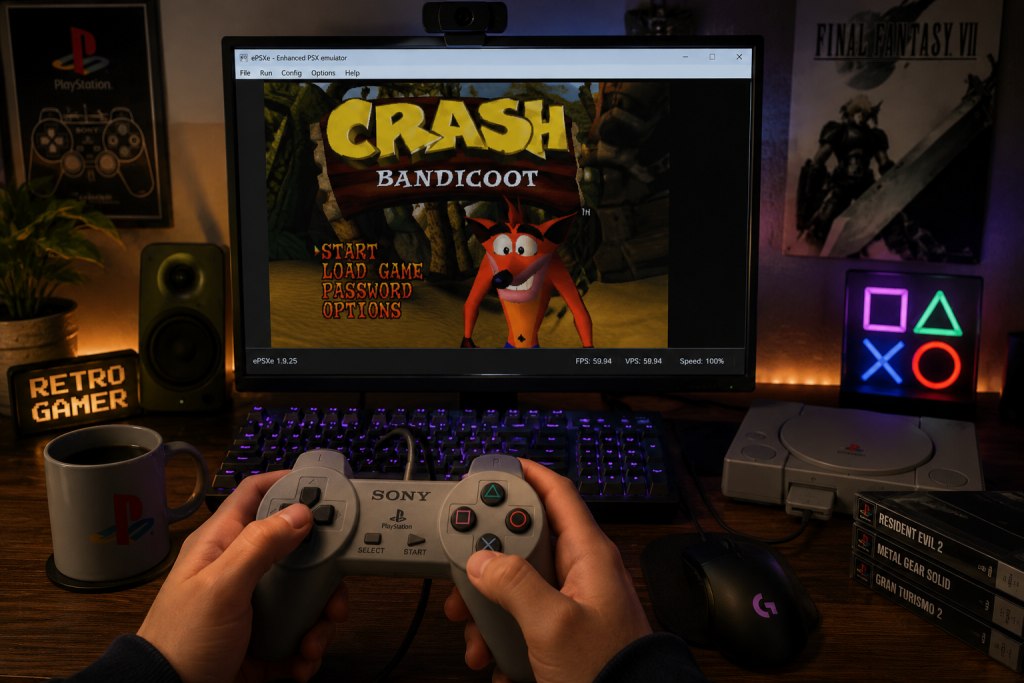
Modern PS1 emulators work well with classic-style controllers, making it easy to recreate the original PlayStation experience on PC and Mac.
Most modern PS1 emulators support:
- Xbox controllers
- PlayStation controllers
- Nintendo Switch Pro controllers
- USB retro controllers
- Using a controller provides a much better experience for PlayStation games.
Common PS1 Emulator Problems
Games Running Too Fast or Slow
Adjust emulator performance settings and verify frame rate options.
Audio Problems
Update your emulator and audio drivers.
Controller Not Working
Reconnect your controller and remap buttons in emulator settings.
How to Choose the Right PS1 Emulator
The best emulator depends on your experience level and platform. DuckStation is usually the best option for most users because it balances performance, compatibility, and ease of use. RetroArch is ideal for users who want advanced customization and multi-console support. Mednafen is excellent for accuracy-focused users who do not mind a more advanced setup process.
Beginners should usually start with DuckStation before experimenting with more advanced emulators.
Are PS1 Emulators Legal?
Emulators themselves are legal. However, downloading BIOS files or ROMs you do not legally own may violate copyright laws. Always use legally obtained game files.
Final Thoughts
DuckStation is currently one of the best all-around PS1 emulators for most players. RetroArch and Mednafen are excellent options for users who want more advanced features and customization.
If you’re building a retro gaming collection, you may also want to check out our guide on best Sega Genesis emulators for PC and Mac.
PS1 emulation remains one of the best ways to revisit classic PlayStation games on modern hardware.