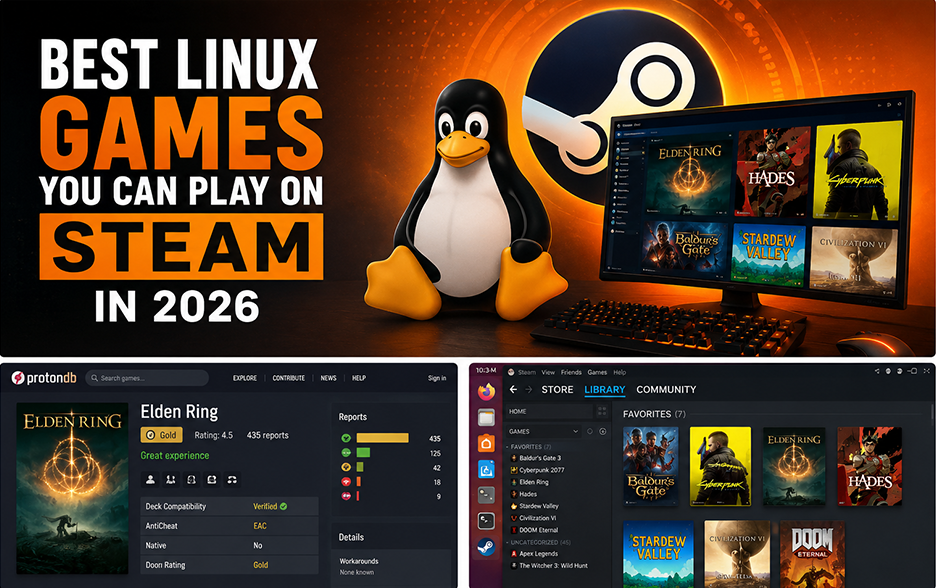
Gaming on Linux has improved dramatically over the last few years. Thanks to Steam Proton, many popular games now run surprisingly well on Linux without complicated setup.
In this guide, we’ll look at some of the best Linux games you can play on Steam in 2026, whether you’re using Ubuntu, SteamOS, or another Linux distribution.
Why Linux Gaming Is Better Than Ever
Gaming on Linux used to be frustrating. Many games required workarounds, compatibility layers, and technical troubleshooting.
Today, things are much easier thanks to:
- Steam Proton
- Native Linux ports
- Steam Deck compatibility improvements
- Better GPU driver support
Many games now work with little to no extra setup.
Best Linux Games to Play on Steam
Baldur’s Gate 3
Baldur’s Gate 3 runs well on Linux through Proton and has become one of the most popular RPGs available on Steam.
Why people love it:
- Deep RPG mechanics
- Excellent storytelling
- Strong replay value
Hades
Hades works extremely well on Linux and is perfect if you enjoy fast-paced roguelike gameplay.
Why people love it:
- Fast gameplay
- Great soundtrack
- Excellent replayability
Stardew Valley
Stardew Valley has native Linux support and remains one of the most relaxing games on Steam.
Why people love it:
- Relaxing gameplay
- Multiplayer support
- Massive modding community
Cyberpunk 2077
Cyberpunk 2077 has improved significantly and performs much better on Linux through Proton than many expected.
Why people love it:
- Large open world
- Great visuals
- Strong story content
Elden Ring
Elden Ring is highly playable on Linux and works well with Proton.
Why people love it:
- Massive world
- Challenging combat
- Huge player community
Civilization VI
Civilization VI offers native Linux support and remains one of the best strategy games available.
Why people love it:
- Easy to learn
- Deep strategy
- Excellent replayability
How to Improve Linux Gaming Performance
There are several things you can do to improve your Linux gaming performance and experience.
- Use Proton Experimental when needed
- Keep GPU drivers updated
- Enable GameMode for performance improvements
- Use SSD storage when possible
Check Proton Compatibility
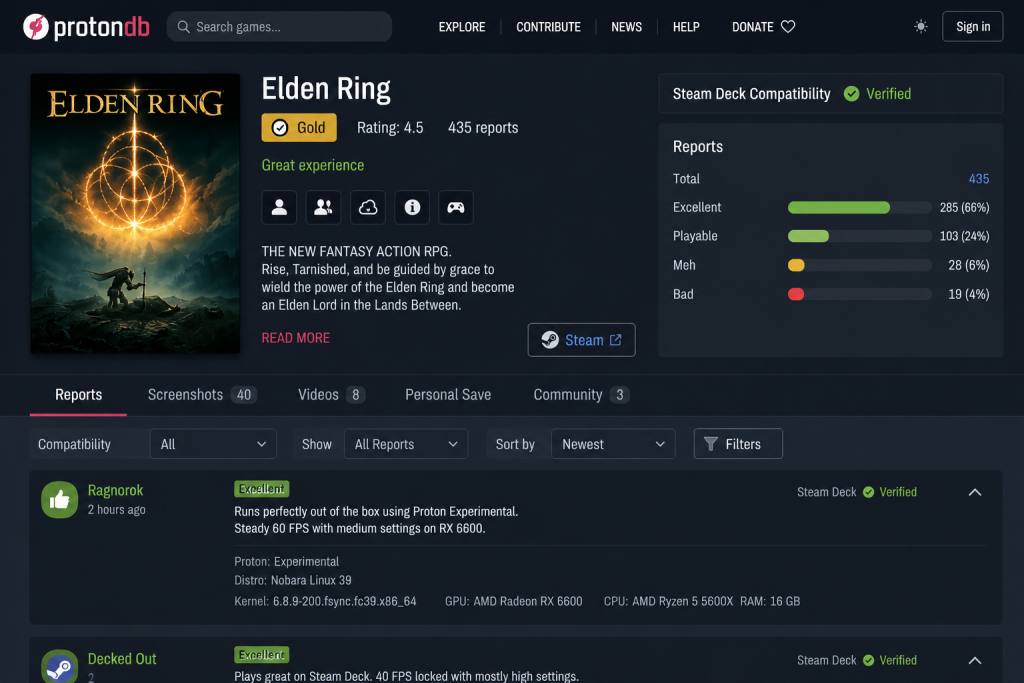
Use ProtonDB to check how well Steam games run on Linux before buying or installing them.
Before buying a game, check:
This helps you see how well games perform on Linux.
Final Thoughts
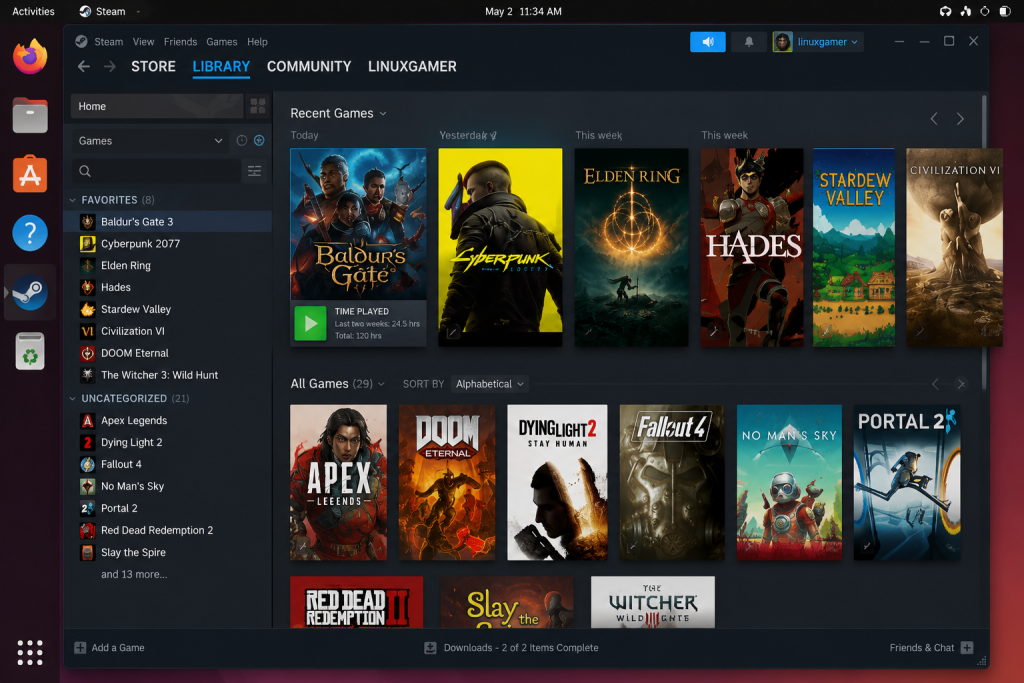
Modern Linux gaming is easier than ever with Steam and Proton support.
Linux gaming is no longer a niche hobby. With Proton continuing to improve, there are now more great games available than ever. If you’re still setting things up, check out our guide on how to install Steam on Ubuntu to get started.