
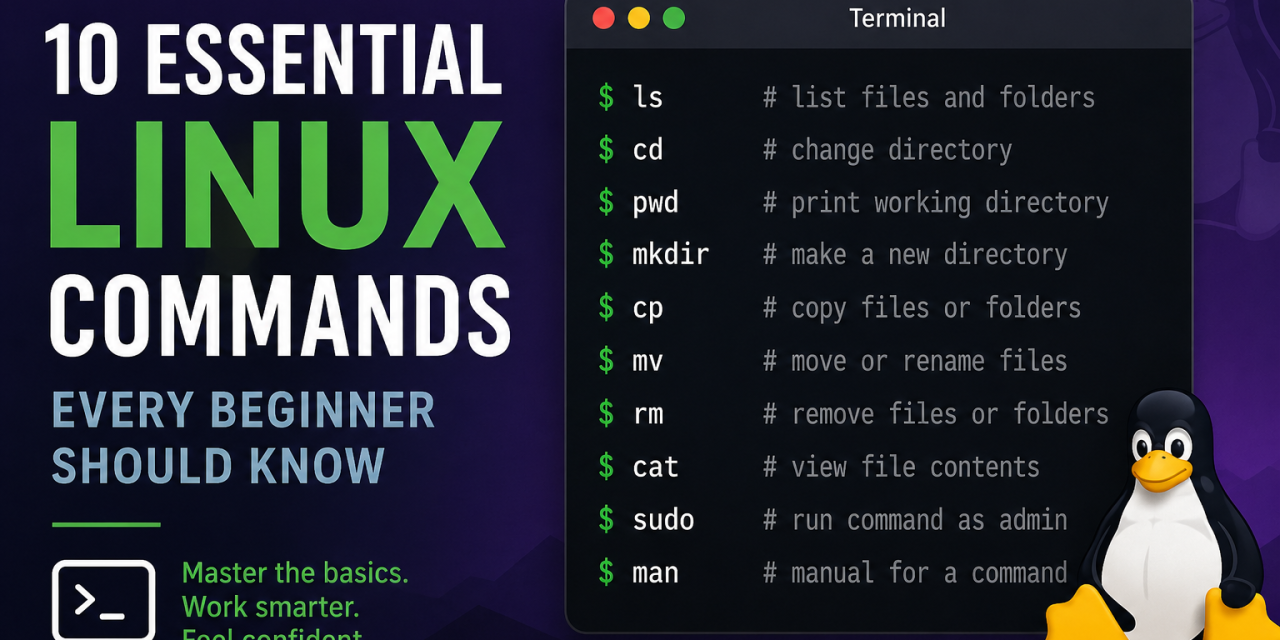
Linux can feel intimidating when you first start using it, especially if you’re coming from Windows or macOS. The good news is that you only need to learn a handful of basic terminal commands to become much more comfortable navigating your system.
Whether you use Ubuntu, Fedora, Mint, or another Linux distribution, these essential Linux commands will help you manage files, move around your system, and troubleshoot basic issues.
1. ls
The ls command lists files and folders in your current directory.
Example:
ls
ls -l
ls -a
Use ls -l for detailed information and ls -a to show hidden files.
2. cd
The cd command lets you move between directories.
Example:
cd Documents
cd ..
cd ~
Use cd .. to move up one folder and cd ~ to return to your home directory.
3. pwd
The pwd command shows your current directory location.
Example:
pwdThis is useful when you get lost in the terminal.
4. mkdir
Use mkdir to create a new folder.
Example:
mkdir ProjectsThis creates a folder called Projects.
5. cp
The cp command copies files or folders.
Example:
cp file.txt backup.txt
cp -r Documents Documents_backup
Use -r when copying directories.
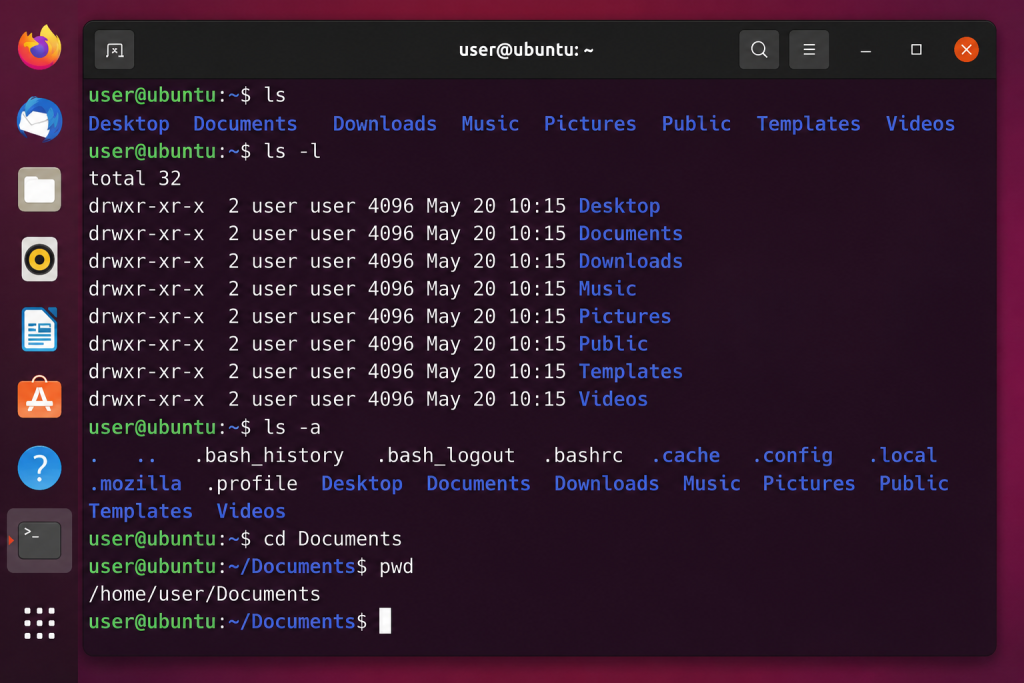
Basic Linux commands like ls, cd, and pwd help beginners navigate the terminal more confidently.
6. mv
The mv command moves or renames files.
Example:
mv oldname.txt newname.txt
mv file.txt ~/Documents/
This command is commonly used when organizing files.
7. rm
Use rm to delete files or folders.
Example:
rm oldfile.txt
rm -r oldfolder
Be careful because deleted files are typically not recoverable.
8. cat
The cat command lets you quickly view file contents.
Example:
cat notes.txtThis is useful for reading text files directly in the terminal.
9. sudo
The sudo command gives temporary administrative privileges.
Example:
sudo apt updateYou’ll often need this command when installing software or updating your system.
10. man
The man command opens the manual page for a command.
Example:
man lsThis is one of the best ways to learn more about Linux commands.
Why Learning Linux Commands Matters
Even learning a few basic terminal commands can make Linux much easier to use.
Many troubleshooting guides, software installations, and development tools rely on terminal commands.
The more comfortable you become with these basics, the easier Linux gets.
Final Thoughts
You do not need to memorize every Linux command right away. Start with these ten commands and practice using them regularly. If you’re interested in gaming on Linux, check out our guide on how to install Steam on Ubuntu to get started.